
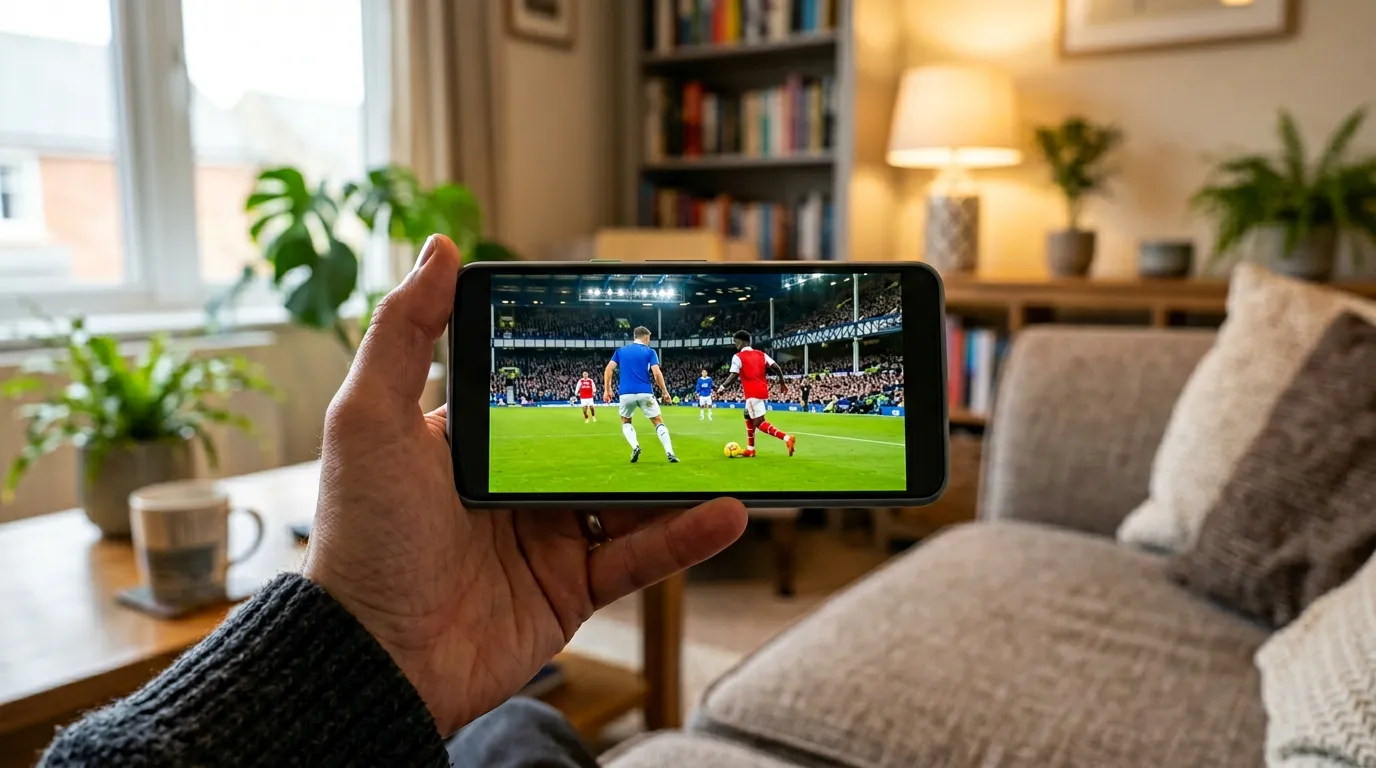
Every IPTV provider in the UK claims to be the best. Stable streams, thousands of channels, great support — it all sounds identical until you actually try the service. That’s exactly why the free trial exists. Not as a marketing gimmick, but as the single most reliable way to find out whether a service will hold up when it matters.
This guide tells you exactly what to test during an IPTV free trial UK period so you don’t waste money on a subscription that disappoints you on the first big match night.
What Is an IPTV Free Trial and How Long Does It Last?
Most reputable UK IPTV services offer a trial of 24 to 48 hours. Some stretch to 7 days. The trial gives you real access — same servers, same channels, same quality as the paid service. It isn’t a demo. What you test is what you get when you subscribe.
A provider that won’t offer any form of trial before asking for your money is telling you something. Confident services let you test because they know they’ll pass.
How to Activate a UK IPTV Trial
Most UK providers activate trials via WhatsApp — you send a message, they send back credentials. Some use email or a website form. You then enter those credentials into a player app (TiviMate on Firestick, IPTV Smarters on iOS/Android) and you’re live within minutes. No engineer. No installation. Just credentials and an app.
The Five Things to Test During Your Trial
1. Live Sport at Peak Hours — Not Daytime
This is the only test that actually matters. Open a live Premier League match, a Champions League game, or any live sport between 7pm and 10pm on a weekday. Watch it for a full 45 minutes without stopping. A service that delivers clean, stable HD through 45 minutes of peak-hour live sport is a service worth subscribing to. One that buffers isn’t — regardless of how good it looked at 2pm.
2. All Six UK Channels
Open BBC One, BBC Two, ITV1, ITV2, ITV3 and ITV4 in sequence. Confirm each is live, in HD, and matches what’s in the EPG. During World Cup 2026, all six carry matches simultaneously. A missing channel means missing matches.
3. Channel Switch Speed
In a quality service, switching between channels takes 2–4 seconds maximum. If your trial makes you wait 10+ seconds for each channel to load, that is a performance problem that will drive you mad across an entire tournament.
4. EPG Accuracy
Open the Electronic Programme Guide and check whether the current show matches what’s actually playing. Check sports schedules — are kick-off times correct? Are the right teams listed? A broken EPG is manageable for casual viewing and a real problem when four World Cup matches are running simultaneously.
5. Support Response Time
Send the provider a WhatsApp message mid-trial with a specific question — about a channel, about a device, about anything. Measure the response time. The provider who picks up quickly during the trial is the provider who will pick up quickly when something breaks during a live match.
Among the services that UK viewers consistently recommend after trialling, Golden TV keeps coming up — particularly from football fans who tested it during live Premier League and Champions League evenings. It offers a trial via WhatsApp so you can run the five tests above before spending anything.

*Based on user feedback from UK IPTV communities. We do not operate or sell IPTV services.
Red Flags During a Trial — Walk Away If You See These
Not all trial experiences lead to a subscription. These are the warning signs that mean move on:
Buffering on a live match during peak hours. Channel switching that takes over 10 seconds. An EPG that’s empty, inaccurate, or missing entire channels. Channels that appear in the list but refuse to open. Support that doesn’t respond within a few hours. Any of these during a trial will be worse when you’re a paying customer on a big match evening.
Frequently Asked Questions
Do I need to give payment details for an IPTV free trial UK?
Reputable providers do not require payment details for a trial. You message them on WhatsApp, they activate a 24-hour account. If a provider insists on card details before allowing a trial, that’s a reason to be cautious.
How many connections should a trial include?
Most trials include one or two simultaneous connections. Test both if available — on different devices. Confirming your Firestick and phone can stream simultaneously is important if you plan to use multiple devices under one subscription.
Can I trial an IPTV service on a Firestick?
Yes. Download TiviMate or IPTV Smarters Pro from the Amazon App Store, enter your trial credentials, and you’re live. Setup takes under 10 minutes. Most providers include a setup guide via WhatsApp if you need it.
Is a 24-hour trial long enough to test properly?
It’s enough if you test at the right time. 24 hours that includes a weekday evening between 7pm and 10pm is plenty. Avoid testing only during the day — daytime performance tells you almost nothing about what happens during peak sports evenings.
Test properly. Demand a trial. And if a service won’t offer one — keep looking. There are plenty that will.
Disclosure: This site recommends third-party services based on user feedback and research. We do not operate, sell, or provide IPTV services directly. All trademarks belong to their respective owners.